eSSL Machine Not Connecting to the Cloud (ADMS)? 9 Things to Check
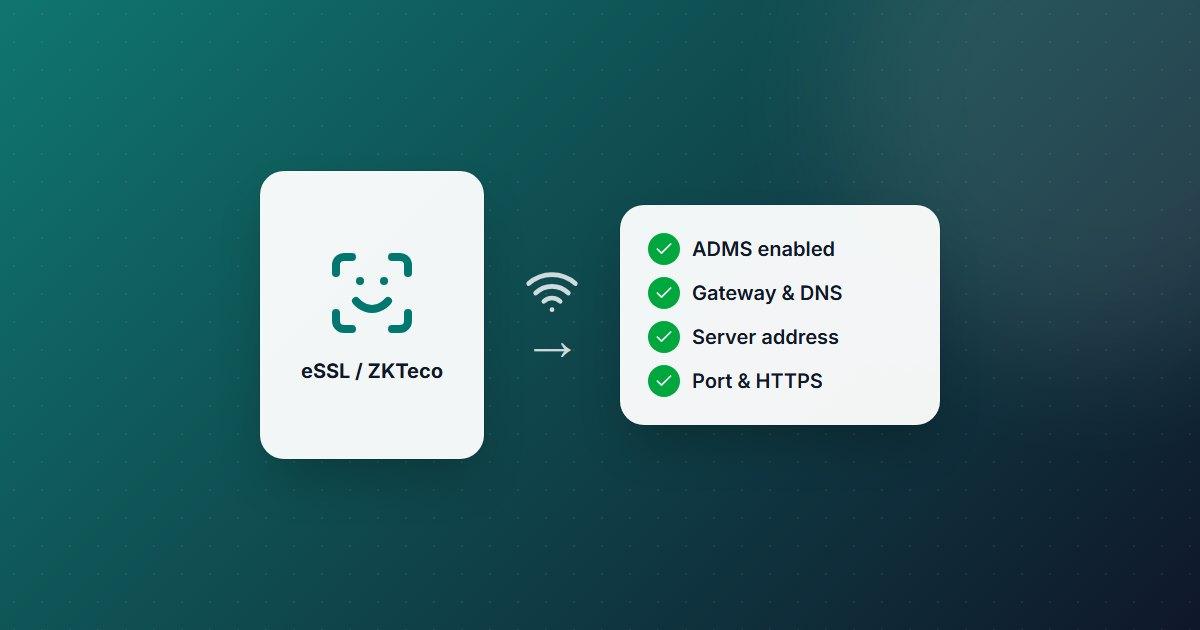
In ADMS (Cloud Server / push) mode, an eSSL or ZKTeco machine calls the cloud server by itself over the internet. When it works, it's the simplest setup there is — no PC, no static IP, no port forwarding. When it doesn't connect, the cause is almost always one of the settings below. Go through them in order.
1. Does your model support ADMS?
Look in the machine's communication menu — on ZKTeco-based machines, including most eSSL models, it is under COMM. → Cloud Server Setting (the exact name varies by model and firmware). If there is no cloud server or ADMS option at all, that machine cannot push to the cloud, and no setting will fix it.
2. Is the machine actually on the network?
Check the Ethernet or Wi-Fi settings. The machine needs a valid IP address in your network's range, the right subnet mask and — very important — the correct gateway (usually your router's IP). A wrong gateway means the machine can talk to the local network but never reaches the internet. If it uses a cable, make sure the port light is on.
3. Is DNS set?
If the server address is a domain name, the machine must be able to look it up. A DNS server of 0.0.0.0 or a blank DNS field is one of the most common reasons an ADMS machine never connects. Set DNS to your router's IP or another working DNS server.
4. Is the server address typed exactly right?
Enter the server address exactly as your cloud provider gives it, with no spaces. Most firmware has an "Enable Domain Name" switch on the same screen: turn it on if the address is a domain name (ZKTeco's manuals show it in the form http://yourdomain), and off if it is a plain IP address. One wrong letter is enough to stop everything, and these keypads make typos easy.
5. Port and HTTPS
The port and the HTTPS switch must match what the server expects. For Attenza, use port 80 with HTTPS turned off on the machine.
6. Is a proxy server enabled by mistake?
Some firmware has an "Enable proxy server" option next to the cloud settings. Unless your network really uses a proxy, it should be off.
7. Is the network blocking the machine?
Guest Wi-Fi, some office firewalls and some ISP routers block devices or outgoing connections. If everything above is correct, try the machine on a different network connection to rule this out.
8. Restart after saving
Many machines only apply new communication settings after a restart. Save, restart, and give it a minute before checking again.
9. Does the cloud software know this machine?
Cloud systems identify a machine by its serial number. If the machine is online but punches don't appear, check that it has been added to your account and assigned to the right company or branch.
Will I lose punches while it's offline?
No. The machine keeps punches in its own memory and sends them once the connection is back. Fix the connection and the backlog arrives on its own.
Setting up from scratch? Read our step-by-step guide on how to connect an eSSL biometric machine to the cloud.
If you're moving to Attenza, our team will help you check your model and settings. The Devices screen shows each machine as online or offline, the users on it, the raw punch log and a clock check — so you can see at a glance when something is wrong.
Sources
- ZKTeco MB10-VL User Manual — Cloud Server Setting (COMM. menu)
- ZKTeco SenseFace 3 Series User Manual — communication settings
Rules, rates and product ranges change. Check the latest official notification or datasheet, and confirm statutory points with your CA.
Frequently asked questions
Where is the Cloud Server setting on an eSSL machine?
On ZKTeco-based machines, including most eSSL models, it is under Menu → COMM. → Cloud Server Setting. The exact name varies by model and firmware. If there is no such option, the model may not support ADMS.
Do I need a static IP for ADMS?
No. In ADMS mode the machine calls the cloud server itself, so you don't need a static IP, port forwarding or a VPN — just a working internet connection.
Will I lose punches while the machine is offline?
No. The machine stores punches in its memory and sends them to the cloud once it reconnects.
Put your biometric machine on the cloud
Attenza turns eSSL / ZKTeco punches into attendance, payroll and gate logs — no PC, no static IP. Free 14-day trial.